Your life, one app
Everything you track across a dozen apps. One app. Zero cloud.
Brihat LifeOS replaces a drawer full of single-purpose apps — tasks, habits, budget, notes, meals, health — with one private tool. No account, no server, and nothing ever leaves your phone.
No account
100% offline
No ads, ever
Nothing leaves your device
14 modules. One app.
Tasks & Reminders
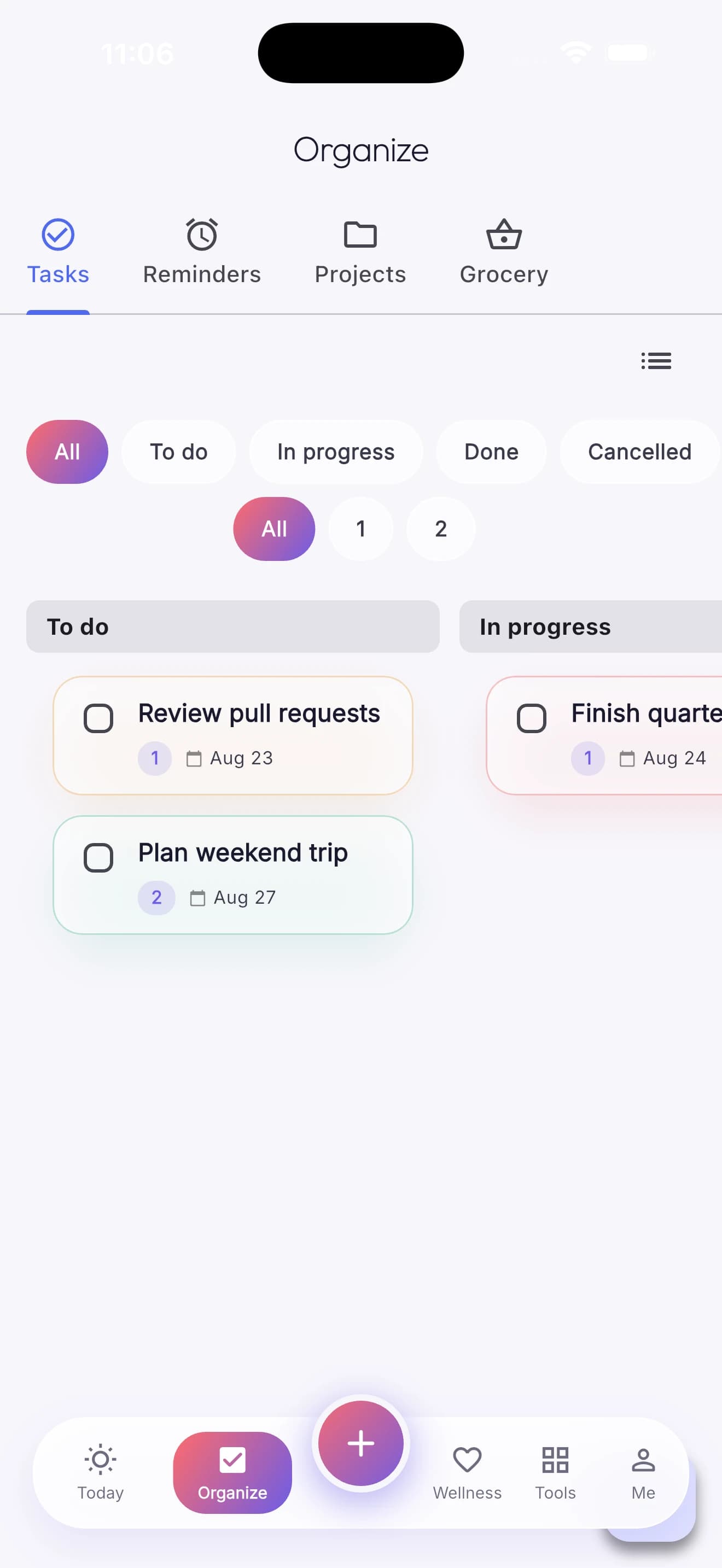
To-dos with priority, due dates, subtasks, and recurring reminders — list and Kanban board views.
Habits
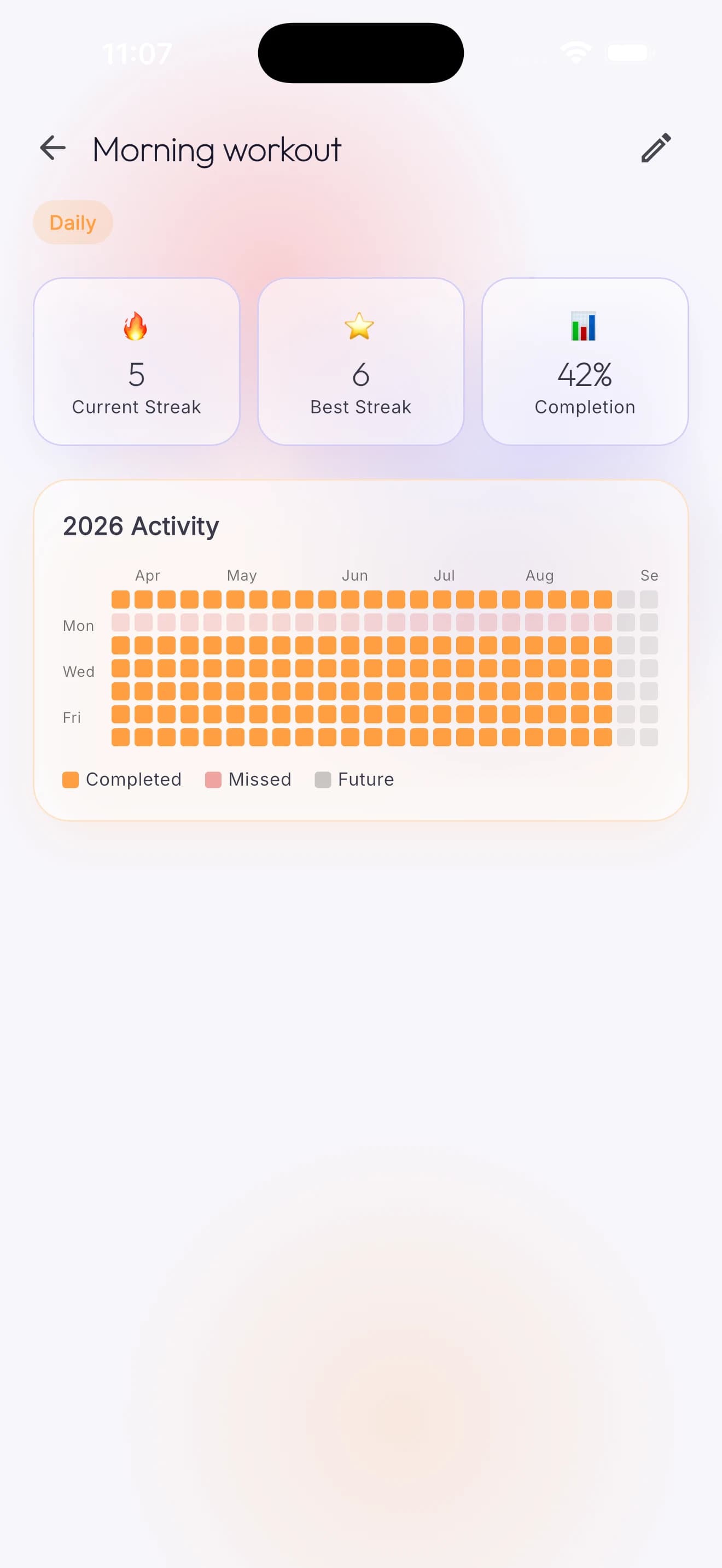
Daily, weekly, or custom-schedule tracking with streaks and a year-long activity heatmap.
Notes
Pinned notes, tags, and quick capture.
Budget & Expenses
Category budgets, monthly spend tracking, and expense logging.
Grocery
Shopping list with purchase history and spend-by-category analytics.
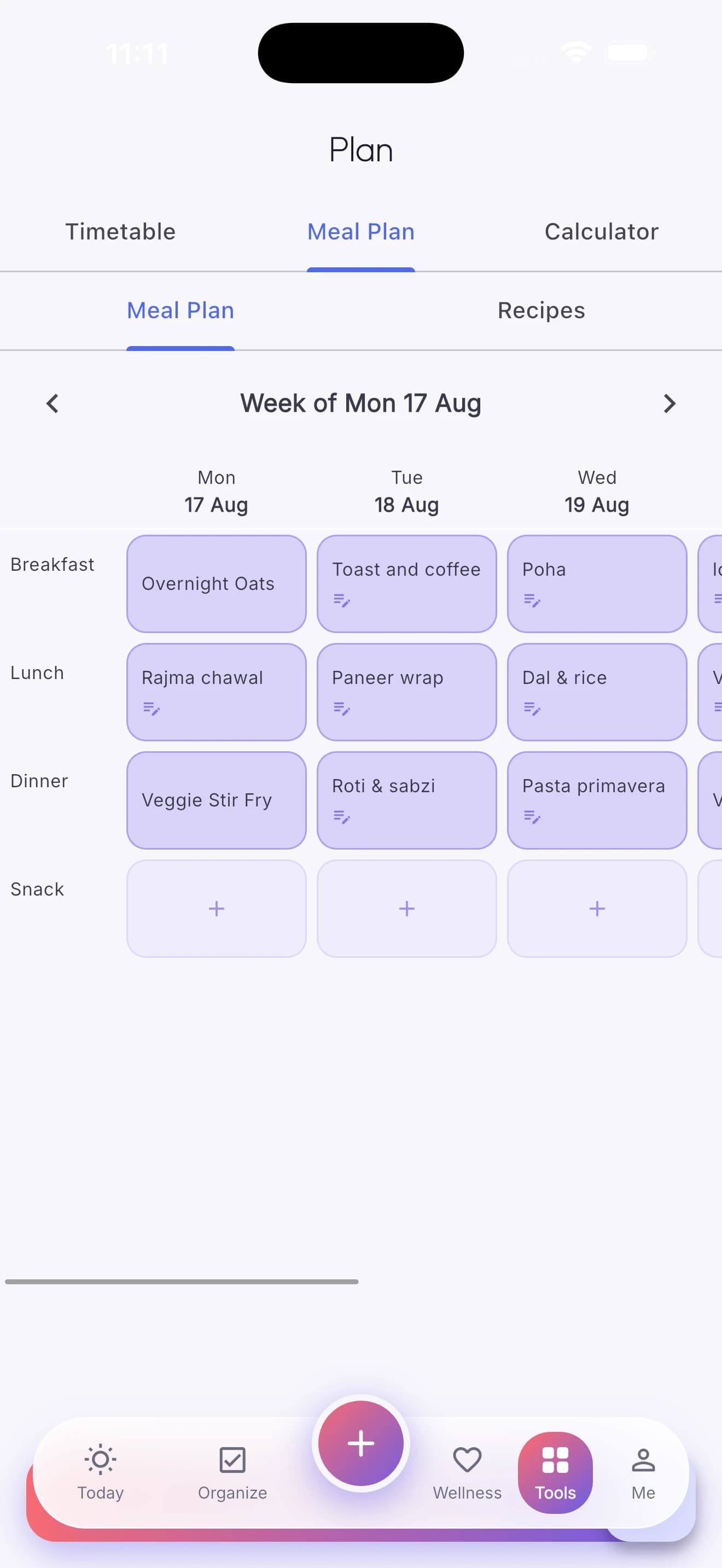
Meal Planner
Weekly meal grid with recipes, and one-tap sync of ingredients to your grocery list.
Medicines
Dose schedules, refill-stock alerts, and daily reminders.
Water Tracker
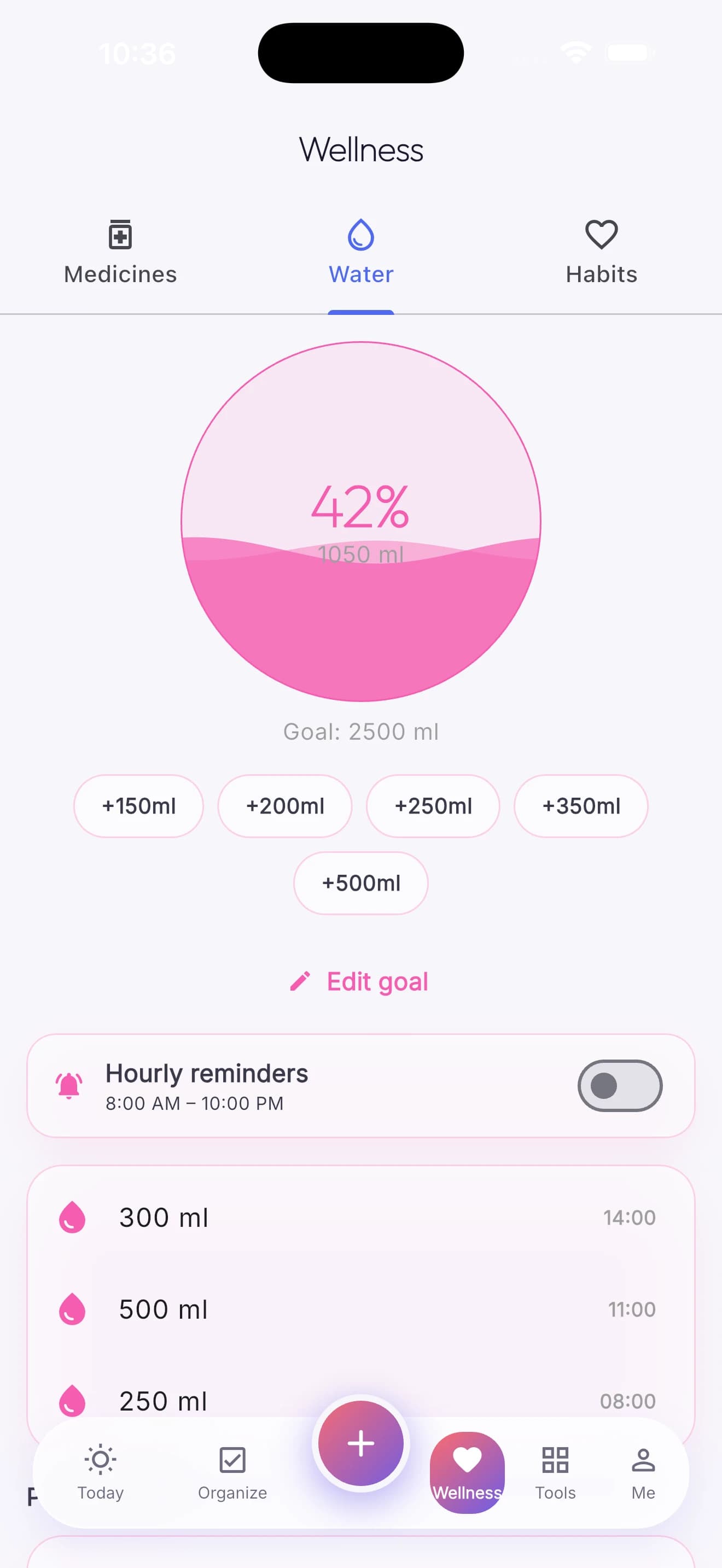
Quick-add hydration logging with an animated wave-fill ring and hourly reminders.
Health Vitals
Blood tests, vitals, symptoms, and doctor visits — a personal health notebook, not a clinical tool.
Timetable
A full 24-hour daily schedule, colour-coded, with reusable templates.
Pomodoro
A focus timer with configurable work and break durations, and session history.
Projects
Kanban-style project boards with an audit log.
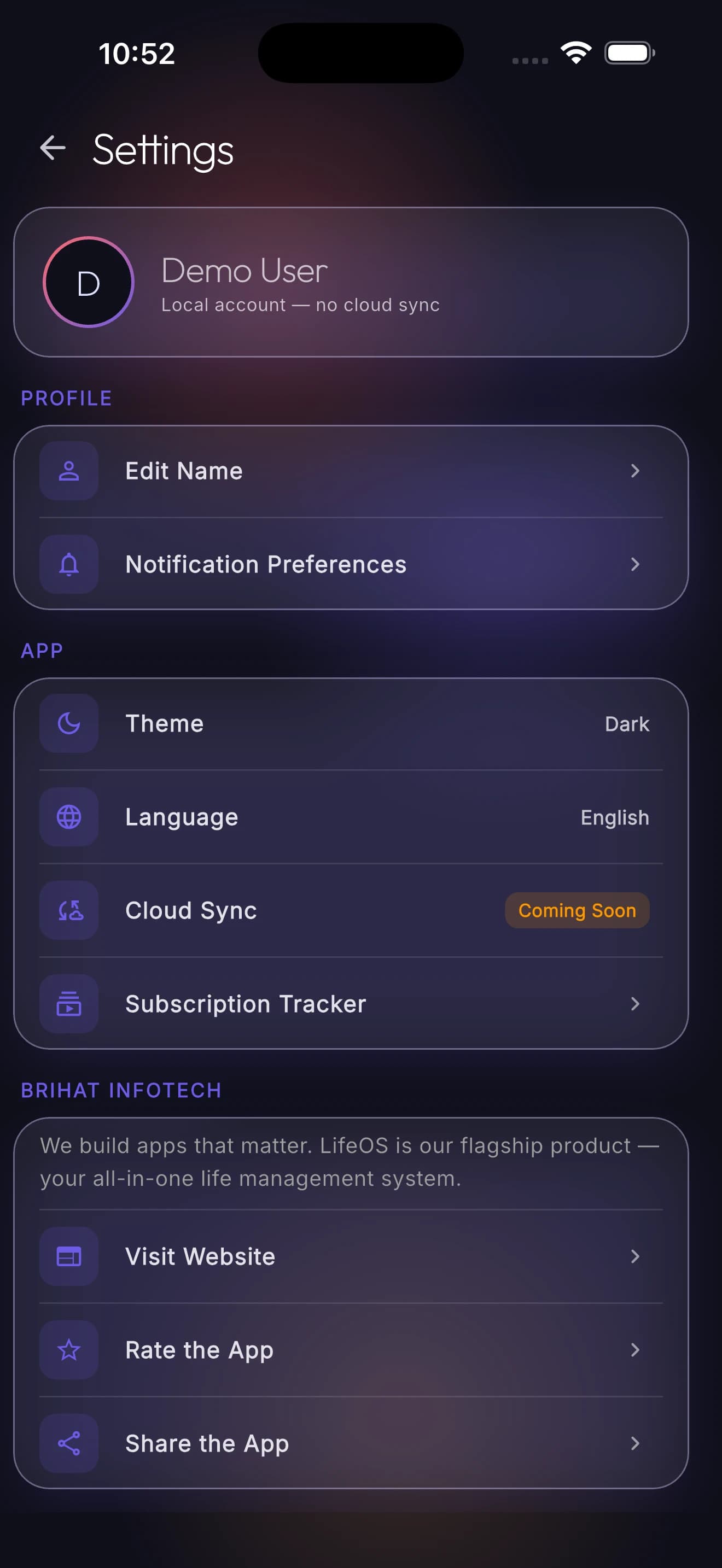
Subscriptions
Recurring subscription tracking with monthly and yearly cost rollups.
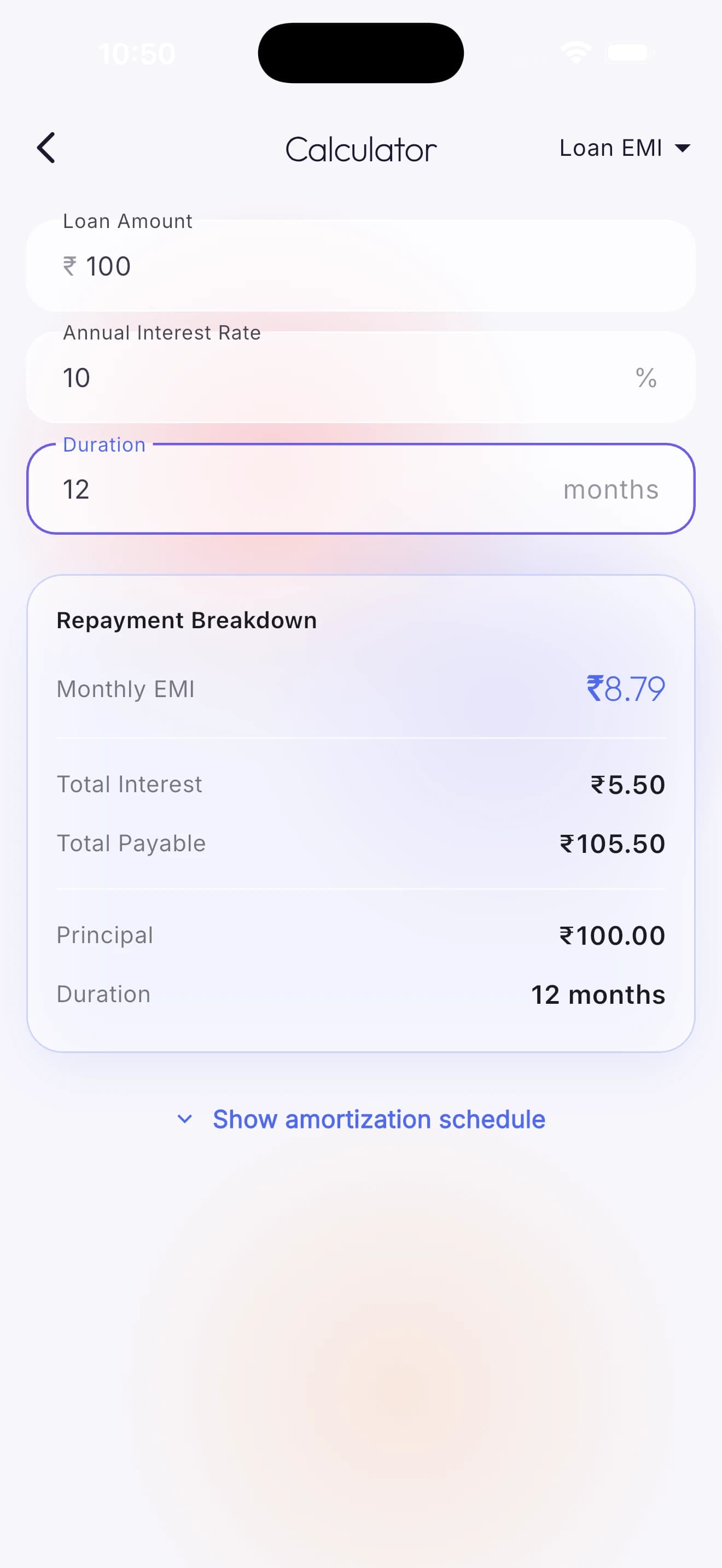
Calculators
Basic, scientific, currency (offline-cached), unit, and a 2-decimal-precision loan EMI calculator.
Smart home feed
One list, not five tabs
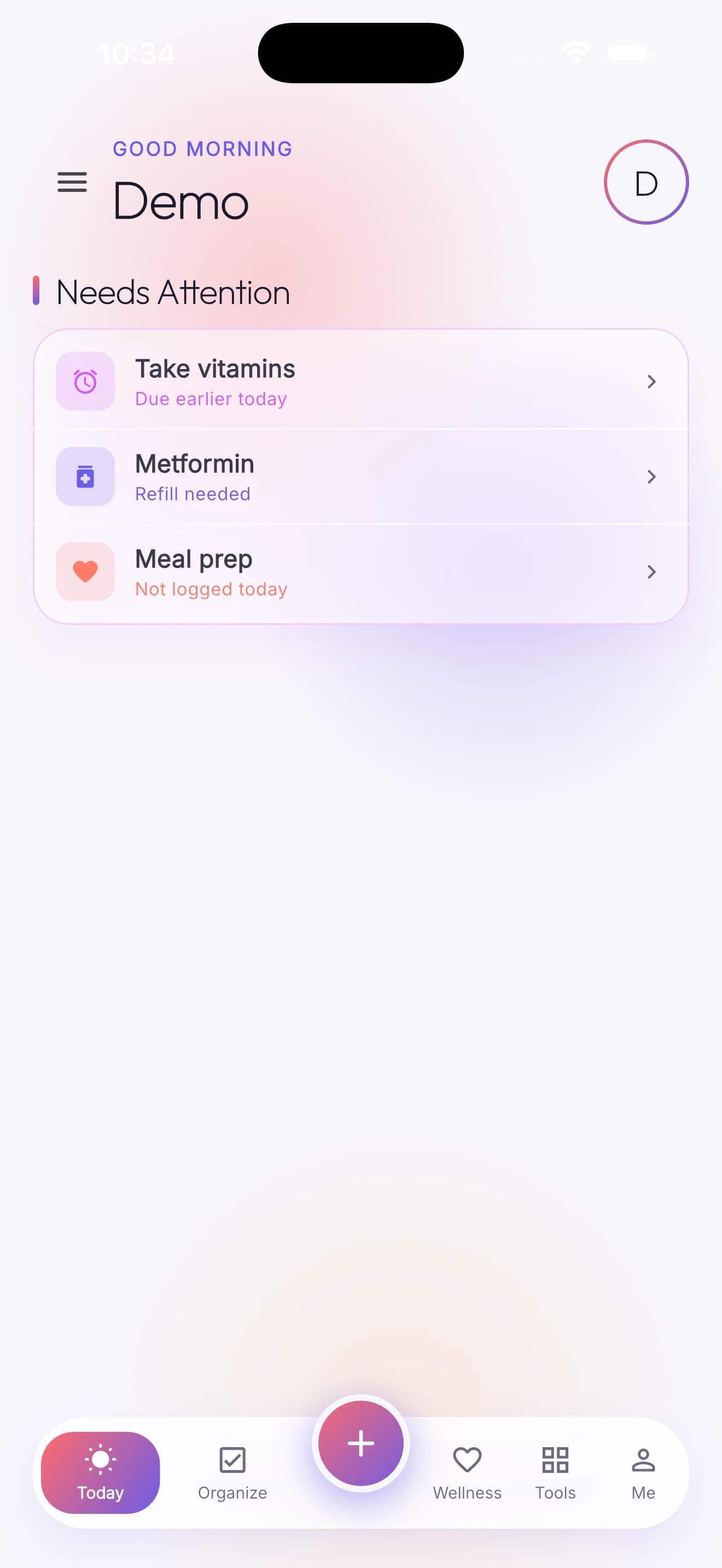
The Needs Attention feed merges overdue tasks, refill-needed medicines, due reminders, and unlogged habits into one ranked list on the home screen — so mornings don't start with five separate app checks. A floating quick-launch button opens instant-capture shortcuts for any module from anywhere.
Designed to feel calm
1
Download
From the App Store or Google Play, once live.
2
Try it or start fresh
Explore with sample data, or clear it and start your own.
3
Everything stays on your phone
No account step — because there's no account to create.
Not on the stores yet
Brihat LifeOS hasn't been submitted to the App Store or Google Play yet. These links will go live the moment it is.
Questions
Do I need an account?
No. There is no sign-up screen, no email, and no phone number anywhere in the app.
Is my data really never uploaded anywhere?
Correct. Everything lives in an encrypted local database on your phone. The only two network calls the app ever makes are opening a link you tapped, and an optional, anonymous currency-rate lookup if you open the Currency Converter.
What happens if I lose my phone?
Because nothing is backed up to a server by design, your data lives only on that device — the same privacy architecture that keeps it private also means there's no cloud copy to recover from. Back up your phone through your OS's own backup if that matters to you.
Is it free?
Yes — the app is currently free, with no in-app purchases or subscription wired up.
Does it sync across my devices?
Not currently — each device keeps its own local data. That's the trade-off of a genuinely offline, no-account app.